
Most stone distribution businesses run on two core systems: an inventory platform (or spreadsheet) to track slabs, and accounting software like QuickBooks or Xero to manage finances. When those two systems don't talk to each other, your team pays the price in manual data entry and reconciliation errors.
Two Systems, One Source of Truth
Without a direct connection between inventory and accounting, every transaction that happens in one system has to be manually re-entered in the other. A sale in your inventory system has to be manually entered in QuickBooks. A purchase order has to be duplicated. A return has to be adjusted in both places.
The result is predictable:
- Data entry errors accumulate over time
- Reconciliation becomes a time-consuming monthly nightmare
- The inventory system and the financial records rarely agree
- Your accountant spends hours untangling discrepancies that shouldn't exist
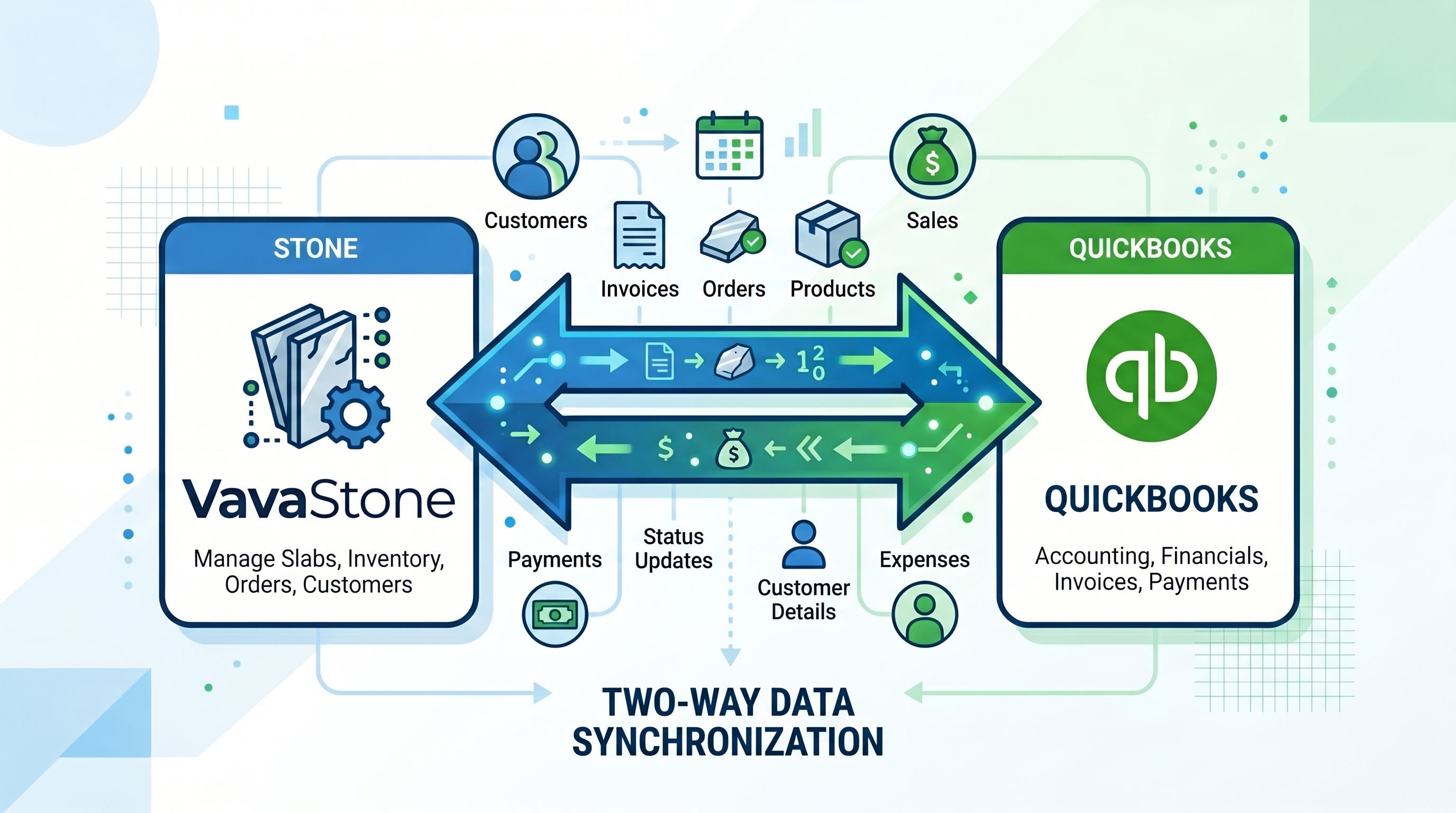
The Integration Difference
When your inventory management platform connects directly to QuickBooks (or Xero, SAP, or Dynamics), the flow is automatic. A sale recorded in your inventory system creates the corresponding invoice in QuickBooks. A purchase order updates both systems simultaneously. Returns and credits flow without duplication.
Your team records the transaction once — in one place — and both systems are up to date.
What This Unlocks
Beyond eliminating double entry, accounting integration gives you something more valuable: accurate, real-time financial visibility into your inventory.
You can see the total value of your current stock, the landed cost of specific slabs (including freight, duties, and handling), the margin on each sale, and which materials are most profitable — all without running separate reports in two different systems.
Implementation Is Simpler Than It Sounds
You might assume accounting integration requires a complex technical setup. In practice, modern platforms connect to QuickBooks in a matter of hours, not weeks. The setup is straightforward, the mapping is guided, and the result is a system that just works — without ongoing maintenance.
VavaStone integrates natively with QuickBooks and Xero.
See it live in a free 20-minute demo at vavastone.com.
Book a Demo